Consulting firms: delivering in the client's template without rebuilding the deck
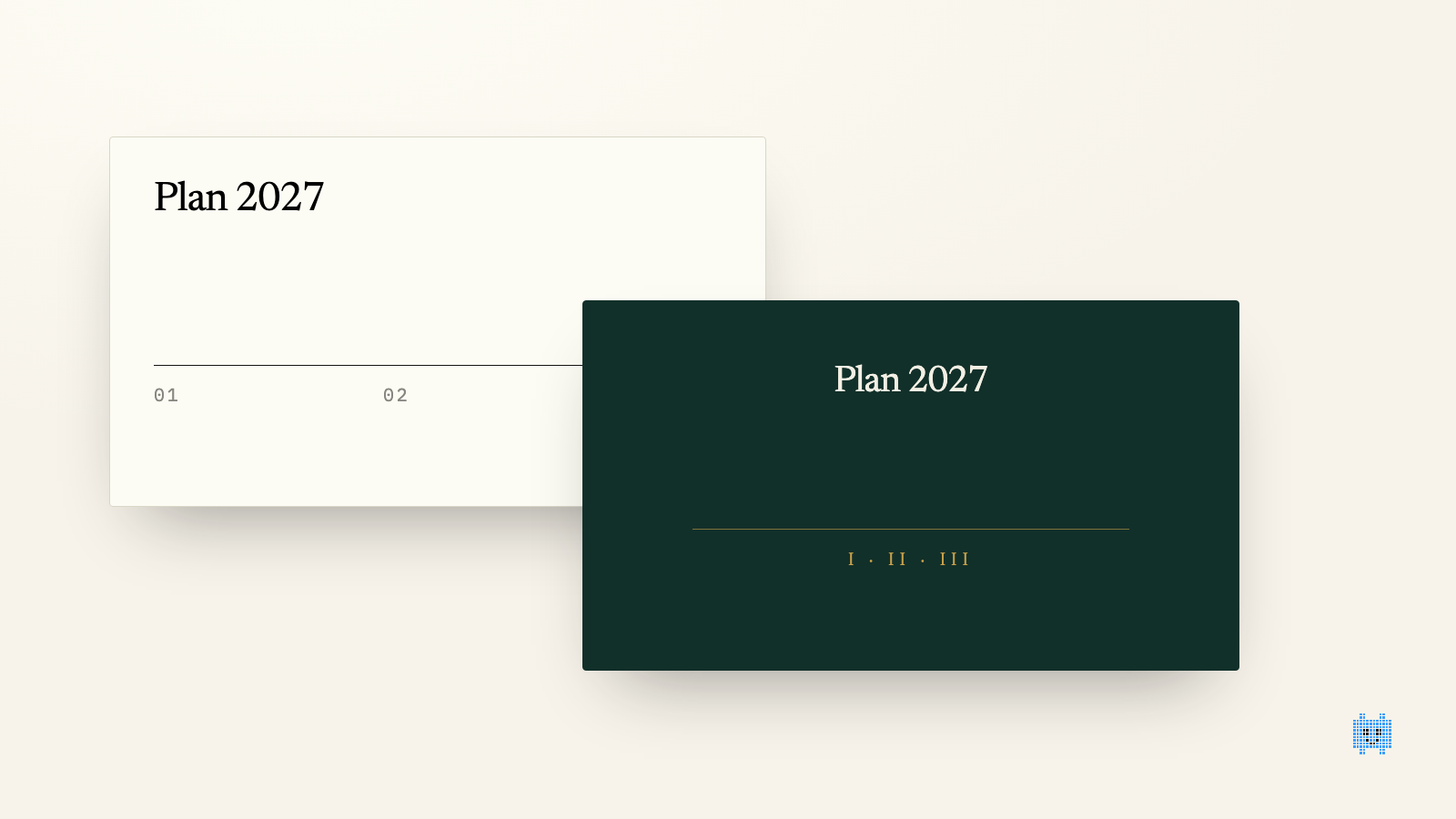
Every consultant knows the moment. The engagement is wrapped up, the recommendations are approved, and the client asks one last thing: "Could you put it in our template?" What follows keeps a junior busy for two days. Copy, paste, adjust, redo the charts, find the colours again, chase fonts that will not install.
The problem is not the request. It is legitimate, and it is becoming the norm. The problem is that firms treat it as an accident at the end of the engagement instead of a production rule.
Why the client is right to ask
A final report is not read once. It is picked up again in the executive committee, cut down for the board, recycled into a three-year plan. Every reuse happens in the client's tools and format. A deck delivered in the firm's brand forces their teams to rebuild everything by hand, or to present a document that visually is not theirs.
Brand teams have also hardened their stance. Brand guidelines are defended as an asset: logo, colours, typefaces, margins, everything is specified, and an external document that strays from them is a document that travels less. Delivering in the client's template gives your work the best chance of being reused as is.
What a template switch really costs
It is worth counting, because the cost is almost always underestimated.
Moving a presentation from one template to another is not a copy-and-paste job. The masters differ, title areas are not the same height, the firm's fonts are not installed at the client, native charts inherit a palette that no longer fits. On a forty-slide deck, each slide takes between three and ten minutes of rework depending on its density. The total runs past a full day, and it is done by the cheapest person on the team, hence the one least likely to notice that a figure dropped out or that a title lost its meaning when it wrapped.
Add an invisible cost: the version in the client's brand becomes one more file, next to the firm's version. Two files, two truths, and the certainty that a correction made in one will be missing from the other.
Three ways to organise
The first is to work in the client's template from day one. It is the cleanest on paper and the least practised. Consultants have their reflexes, their slide libraries, their shortcuts. Taking their tool away for three months to save two days at the end is rarely accepted.
The second is to maintain a bridge: a library of the firm's slides already adapted to the template of each recurring client. It works for accounts you have served for years, and not at all for a new client.
The third is to treat the brand switch as a step that can be automated: content is one thing, its layout is another, and the tool handles the second. That is what an AI makes possible when it reads a PowerPoint template as a kit of parts, with its layouts, components and rules, rather than as a picture to imitate.
What must stay intact, and what may move
A successful brand switch respects a strict hierarchy.
What does not move: the figures, the wording validated with the client, the order of the slides, the sources in the footer. A rework that "improves" a sentence along the way is not a rework, it is an error waiting to happen.
What must change: fonts, colours, margins, title positions, the style of tables and charts, icons, the footer. Everything that belongs to the template.
What needs a judgement call: density. A consulting template often accepts more text per slide than an industrial group's template. A slide that fit on one page may need two. It is the only point where the transfer is not purely mechanical, and it is the one to check first.
A simple rule for the next engagement
Decide at signature which brand each document will be delivered in, and count the transfer in the workload. If the client wants their template, get the .pptx file in the first week. It will let you check that everything you produce can live inside it.
That is exactly what Paul was built for: you import the client's template once, it reads the layouts and the rules, and you compose or transpose your slides inside it, with a native PowerPoint export the client can edit. The mechanical part disappears. What remains is the density judgement, which is real expertise, and nobody will take it from you.
To see how it plays out on a full report, the corporate template page walks through it, and the free trial runs on your own template.