Export to PowerPoint or PDF
Choose a working file or a reading format to suit your recipient.
Download the Northbank PowerPoint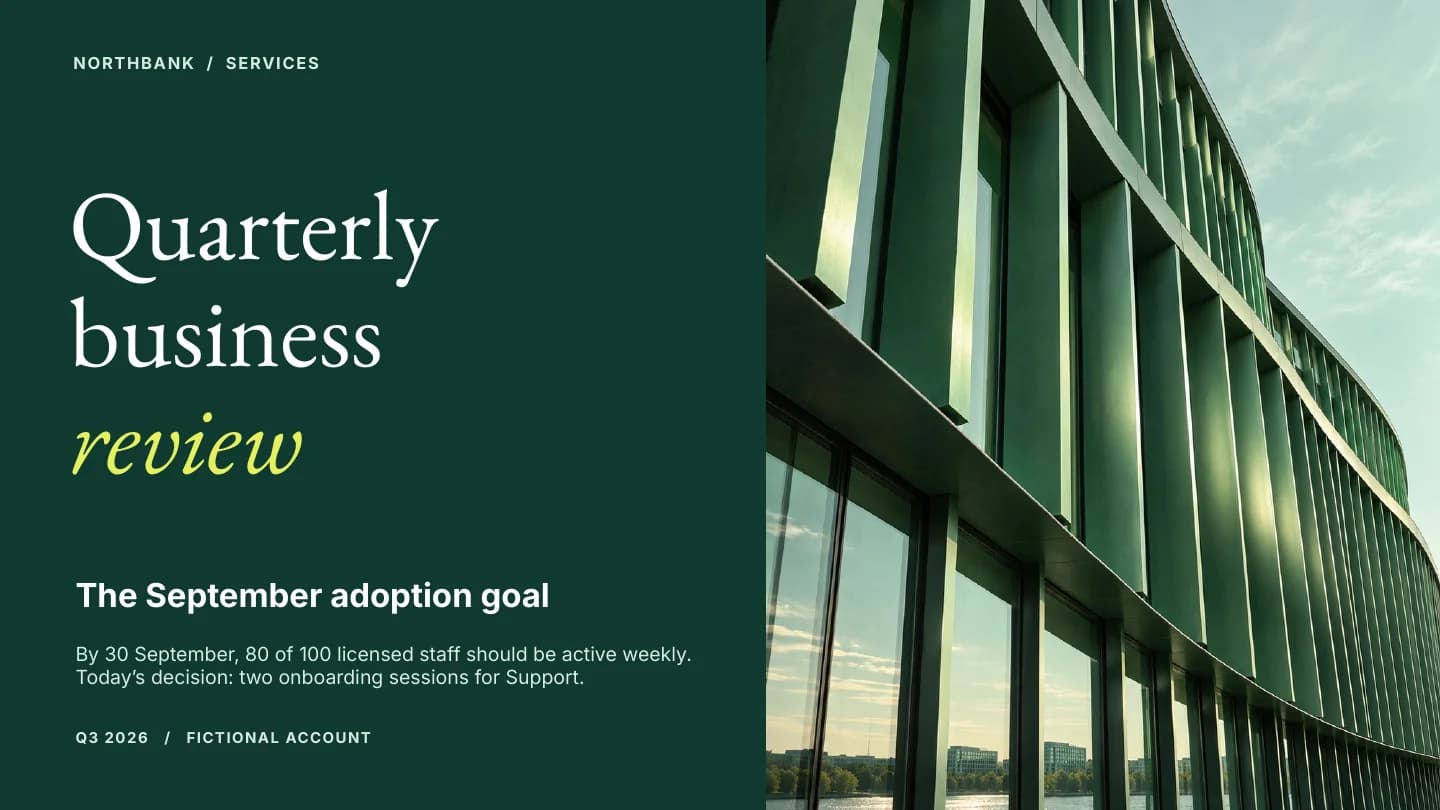
Check the chart as your audience will see it
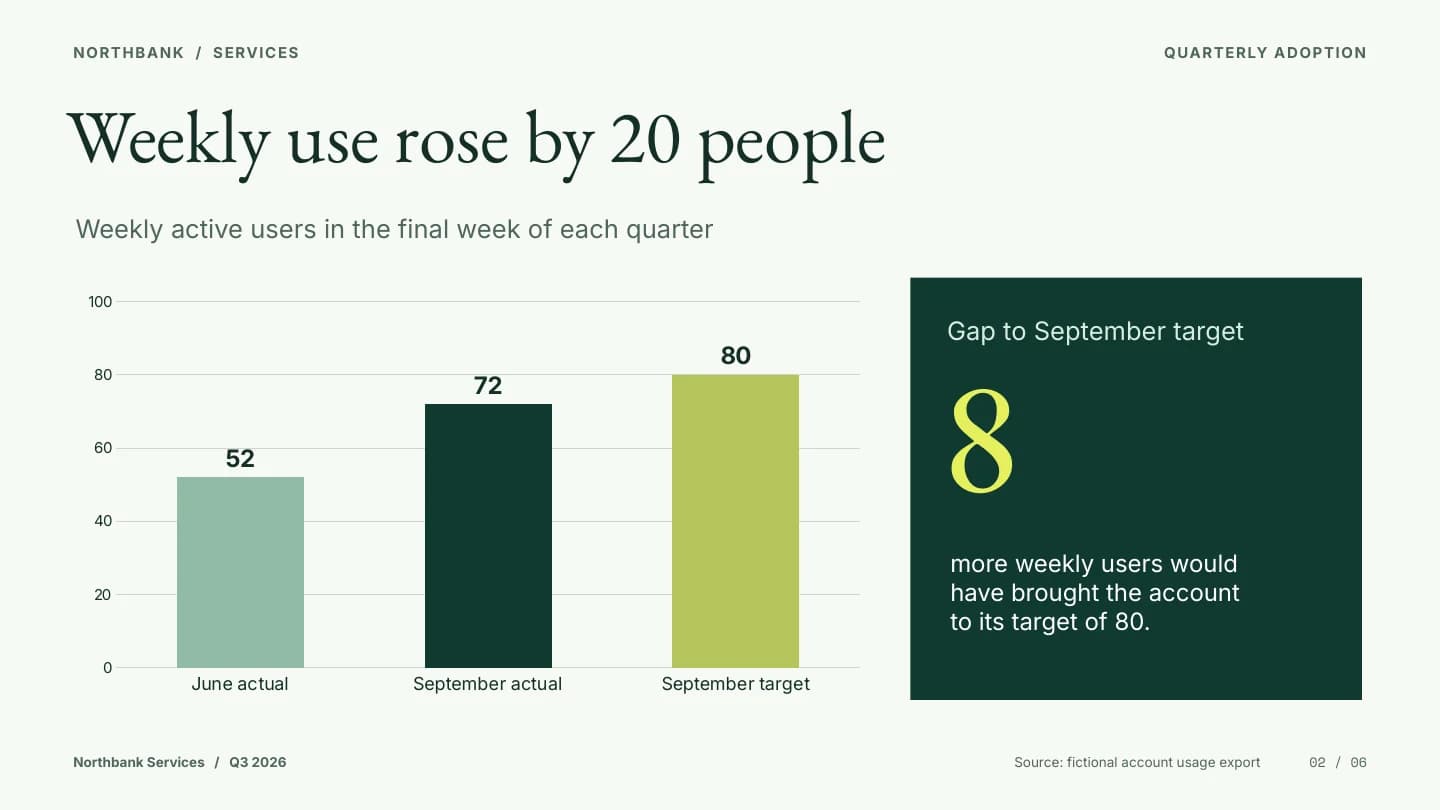
Open the Northbank PowerPoint on the computer you will use for the review. On slide two, the three columns show 52 users at the start of the quarter, 72 at the end and a target of 80. Check that each value sits over the correct label.
If attendees also need a PDF, compare the same page in a PDF viewer. The note about the eight-user gap should be readable beside the chart, including at the size people will see on a shared screen.
Continue working in PowerPoint
PPTX export gives you an editable presentation for final changes in PowerPoint. The file can then follow your team's workflow: review, additional content and presenting at a meeting.
Share a PDF for reading
PDF is suitable for sending and viewing when the recipient does not need to edit the slides. Use it to share a reading version after reviewing the content and visual result.
Check the file in its final environment
Open the downloaded file before delivery. Check fonts, tables, images and layouts. Rendering can depend on installed fonts and the software used; checking the presentation computer remains useful.